Why this suddenly feels urgent
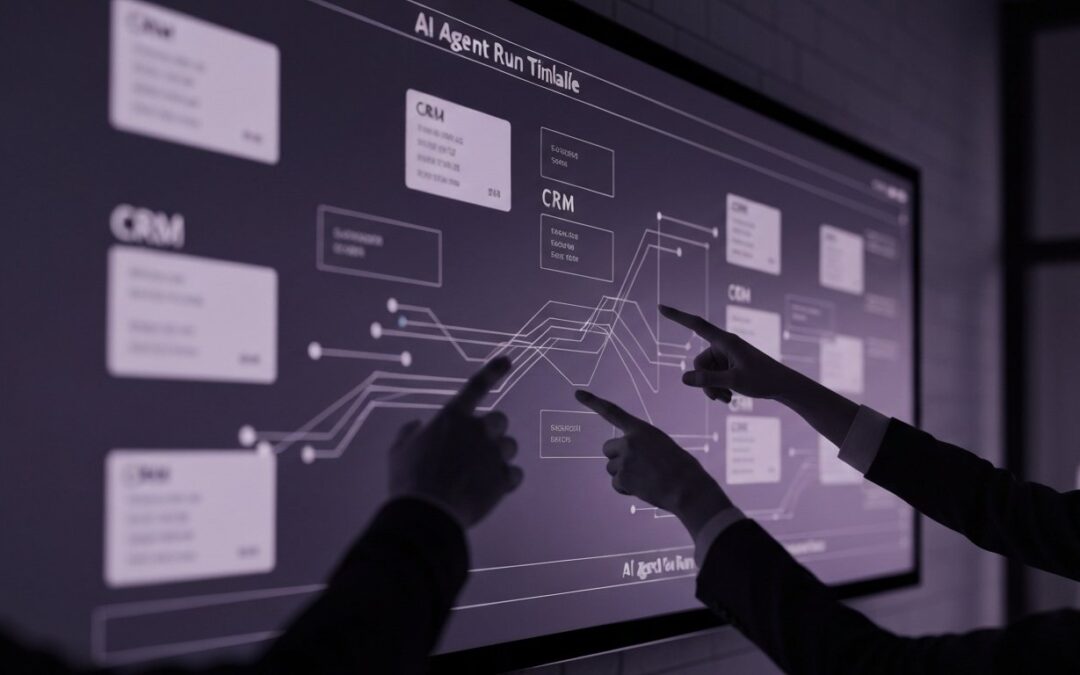
You’re on call at 9:47 PM. A “helpful” agent just updated 300 CRM records, and now Sales is yelling because half the fields look off. However, your service dashboards stay green because the API never went down.
Meanwhile, the agent is quietly looping through tool calls, timing out on a flaky enrichment endpoint, and burning tokens like a space heater. That’s the moment observability for agents stops being a nice-to-have and becomes survival gear.
In short, it means you can explain what your agent did, step by step, and prove why it did it. Better yet, you can catch failures early, before they become costly incidents.
In this article you’ll learn…
- Which signals actually explain agent behavior in production.
- A minimal instrumentation setup you can implement this week.
- How to trace tool calls, memory, and guardrails end to end.
- How to detect cost spikes and risky actions before they spread.
What agent observability includes (and what it doesn’t)
Traditional observability answers, ‘Is the service up?’ Agents add harder questions. ‘Did it choose the right tool?’ ‘Did it act safely?’
MarkTechPost defines it this way. “Agent observability is the discipline of instrumenting, tracing, evaluating, and monitoring AI agents across their full lifecycle.” That lifecycle includes planning, tool use, and memory. It is not just prompts and responses.
So, treat one agent run like a small distributed system. You want to see the internal steps, the external dependencies, and the quality checks that kept the output honest.
- Planning and routing decisions.
- Each tool call, including success rate and latency.
- Memory reads and writes, with safety controls.
- Guardrail events, approvals, and policy blocks.
- Evaluation signals tied to correctness and outcomes.
Trend signals: why teams are changing their monitoring stack
Even if you’re not chasing hype, the ground is shifting under production agent teams. Several patterns keep showing up.
- OpenTelemetry is becoming the backbone. Standard traces make multi-step runs debuggable across services and teams, and they reduce “custom glue” monitoring.
- Tool-using agents are scaling faster than expected. MCP-native SDKs and control planes make tool calling easier, which means more production blast radius when something breaks.
- Governance expectations are rising. IBM notes that agents can act “without constant human oversight,” so audit trails and approvals are moving into the default design.
- Evaluation is moving into production. Because agents are non-deterministic, uptime does not imply correctness, and silent failures are common.
The minimal viable signal set (MVSS) you should capture
If you log everything, you’ll drown. Instead, start with a small schema you can apply to every agent run, regardless of framework.
First, make every run and step addressable. Then, capture what explains behavior: tool choice, tool results, latency, and cost.
- run_id, step_id, and parent_step_id (for retries and branches).
- agent_name, agent_version, and prompt_version.
- model, temperature, and max_tokens (config drives behavior).
- tool_name and tool_request_hash (hash inputs to avoid storing raw payloads).
- tool_status and tool_latency_ms.
- retry_count (so you can spot loops).
- tokens_in, tokens_out, and cost_estimate per step.
- guardrail_event and policy_outcome (allowed, blocked, needs approval).
- user_outcome (resolved, escalated, wrote data, no-op).
In addition, store raw prompts or tool payloads only if you can redact safely. Otherwise, keep hashes plus sampled payloads for failures.
A simple tracing model: map one run to one trace
Think of an agent run as a trace, and each step as a span. Tool calls become child spans. Memory operations and guardrails are spans too, because they change behavior.
As a result, when something goes wrong, you can replay the story. You stop guessing, and you start diagnosing.
- Ingress span. Request metadata, auth context, and rate-limit decisions.
- Planning span. Goal interpretation, tool shortlist, and chosen strategy.
- Tool spans. One span per tool call, including structured errors.
- Memory spans. Retrieval queries, sources, and writebacks.
- Guardrail spans. Redaction, policy checks, and approvals.
- Egress span. Final response, actions taken, and outcome summary.
Moreover, attach events for key decisions, like “chose_tool=X because Y,” or “blocked_action due to policy Z.” Those events are pure gold during incident review.
Two real-world failure modes (and the signals that catch them)
Most agent incidents are not dramatic model hallucinations. Instead, they look like normal operations until you connect the dots across steps.
Mini case 1: “Perfect uptime,” shocking spend. A support agent handled tickets fine for days. Then a prompt tweak increased the average reasoning chain from 4 steps to 11. Consequently, token usage doubled, and nobody noticed until the invoice arrived.
- What catches it: tokens per run, tokens per step, and cost per successful outcome.
- What fixes it: a budget guardrail that stops loops and escalates early.
Mini case 2: The hallucinated tool argument trap. A proposal agent started sending malformed JSON into a pricing tool. The tool returned 400 errors, but the agent kept retrying with “close enough” payloads. However, the logs looked like random noise because the payloads were not structured.
- What catches it: schema validation events and structured tool error codes.
- What fixes it: validate tool inputs before the call and fail fast on repeatable 4xx errors.
Common mistakes teams make (even strong teams)
Teams rarely fail because they picked the “wrong vendor.” More often, they skip the boring parts that make debugging possible.
- Logging only the final answer, not the intermediate steps.
- Treating tool failures as “external,” so no alerts exist.
- Not versioning prompts, tools, and agent configs.
- Measuring uptime, but not correctness or user outcomes.
- Storing sensitive data without redaction or access controls.
Also, watch out for the “one big dashboard” trap. If everything is on one chart, nothing is actionable.
Risks: how observability can backfire
Observability is supposed to reduce risk. Yet if you implement it carelessly, it can create new problems.
- Privacy risk. Traces can capture PII from prompts, retrieval snippets, or tool payloads.
- Security risk. Logs can leak API keys, tokens, or internal URLs if you are not careful.
- Cost risk. High-cardinality logs and long retention can get expensive fast.
- Noise risk. Too many metrics can hide the one signal that matters at 2 AM.
Therefore, start with redaction, sampling, and role-based access from day one. It’s not glamorous, but it beats an incident postmortem.
A quick decision guide: what to instrument first
If you need results fast, instrument in the order that reduces incidents the most.
- Tool call telemetry. Track success rate, latency, retries, and error codes.
- Token and cost tracking. Measure tokens per step and per outcome.
- Run-level tracing. One trace per run with spans for steps, tools, memory, and guardrails.
- High-risk action logging. Approvals, blocks, and who approved what.
- Online evaluation. Sample, score, and review correctness over time.
Next, expand based on your incident history. In contrast, don’t add metrics “just in case.”
What to do next
If you want a low-drama rollout, start with one workflow and instrument it end to end. Then scale out to other agents using the same run and step schema.
- Pick one tool-heavy path and add tracing spans around every tool call.
- Add two alerts: tool failure rate and cost per successful outcome.
- Define one “bad write” or “bad action” metric for your domain.
- Run a weekly review of failed traces with engineering and the business owner.
Explore more agent engineering guides on Agentix Labs.
Where “observeit agent” fits (and why you should care)
If you’ve seen searches for observeit agent, the intent is simple. “I want to see what this agent did.” Even if that product isn’t in your stack, the need is real.
So, treat it as a reminder to design for explainability. In practice, the best “observe it” experience comes from run-level traces, structured tool logs, and a tight set of outcome metrics.
Further reading
If you want deeper context and industry framing, these sources are useful starting points.
- IBM Think: AI agent observability overview.
- MarkTechPost: Agent observability best practices.
- MarkTechPost: MCP-native SDK ecosystem signal.
FAQ
What’s the difference between monitoring and observability for agents?
Monitoring tells you something is wrong. Observability helps you explain why, using traces, logs, and agent-specific signals across steps and tools.
Do I need OpenTelemetry to start?
Not strictly. However, OpenTelemetry makes traces more portable and reduces custom instrumentation over time, especially across many services.
What’s the first metric worth alerting on?
Tool call failure rate is often the fastest reliability signal. Next, alert on cost per successful outcome, not cost per request.
How do I measure correctness if the agent is non-deterministic?
Use a mix of automated evaluations, sampled human review, and user feedback. Then tie those scores to outcomes like resolution rate or bad-write rate.
How do I keep traces safe?
Redact PII, encrypt at rest, and limit access. Also, avoid storing raw tool payloads unless you have a clear need and a retention policy.
How much should I sample?
Start by keeping full traces for failures and a small sample for successes, like 5-10%. Then tune based on cost and incident frequency.