The night your agent goes sideways
It’s 2:07 a.m. Your on-call Slack is noisy, and a customer is furious. Your support agent just promised a refund that policy doesn’t allow, then hammered the refund API in a loop. You open the logs and get a wall of text, but no timeline. No tool status. No clue what changed.
That’s why agent observability is showing up on more roadmaps. When agents move from demos to real customer flows, you need to explain failures, control costs, and prove what happened. In other words, you need the “black box recorder” for your agent runs.
In this article you’ll learn…
- What to capture beyond prompt and completion logs.
- A minimal telemetry schema for support agents.
- How to catch tool failures, prompt drift, and RAG issues early.
- Common mistakes teams make when they “add logging.”
- What to do next, including an incident workflow you can reuse.
What “observability” means for an AI support agent
Observability is your ability to answer three questions quickly: what happened, why it happened, and what to change. However, an agent is not a chat widget. It plans, retrieves context, calls tools, and sometimes triggers real side effects.
So plain LLM logs are not enough. You want a connected record of a run, from the user’s request to every tool call and the final message. That record needs to be searchable, replayable, and safe to store.
Practically, good agent observability covers four layers:
- Traces. A step-by-step timeline for each run.
- Metrics. Aggregated charts that reveal spikes and drift.
- Structured logs. Discrete events you can filter and alert on.
- Evals. Repeatable tests that prevent regressions after changes.
Why this is trending now (and why it’s not just “LLMOps”)
Three patterns are pushing observability from “nice to have” to mandatory.
First, more support agents are now connected to real systems. They can issue refunds, update CRM fields, and create tickets. As a result, failures are no longer harmless. They show up as money lost or trust broken.
Second, teams are moving toward run-level tracing because it makes debugging tractable. When you can replay a run, you can see where it went off the rails. For example, you’ll spot retrieval misses, tool timeouts, or retry logic bugs.
Third, audit readiness is now a standard procurement question. Customers want clear answers on data access and system actions.
The minimal starter kit: instrument once, learn forever
You don’t need a giant platform on day one. Instead, build a minimal stack that creates trustworthy evidence. Then expand once you know what you actually use.
1) Traces: make every run replayable
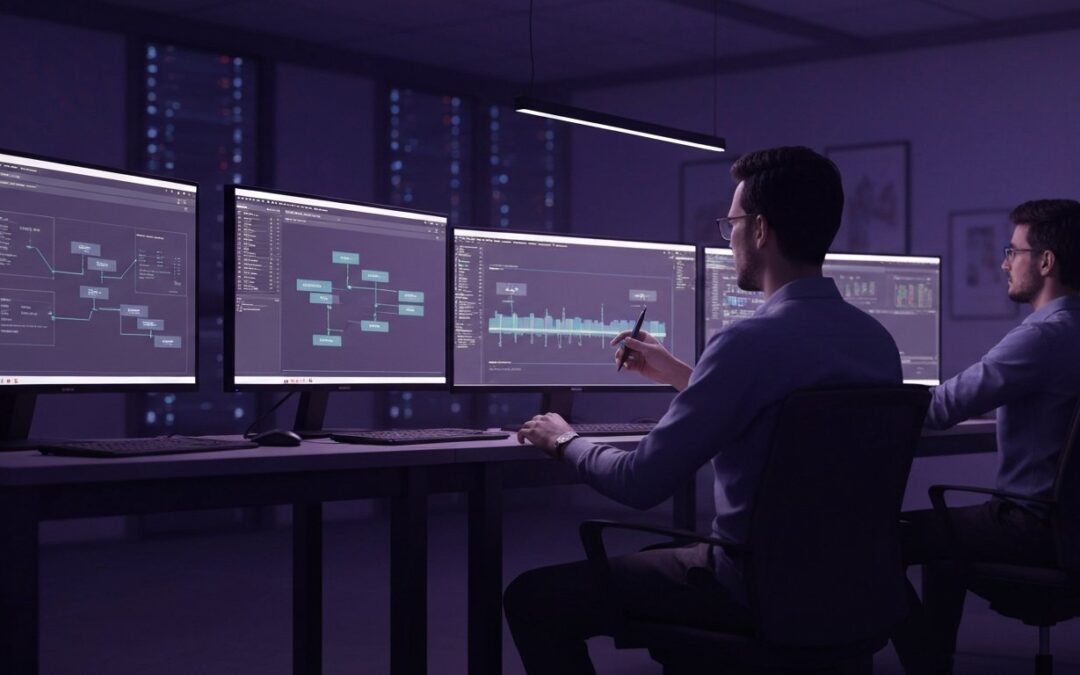
A trace is a timeline of spans. Each span represents a step like retrieval, tool execution, or response drafting. Start by generating a request_id at the entry point. Next, propagate it everywhere, including tool calls.
Include these fields on every span, even if you keep it simple:
- request_id and timestamp.
- Environment (prod, staging) and tenant/customer id (hashed if needed).
- Model name, temperature, and prompt_version.
- Tool name, tool arguments (redacted), status, and error code.
- Latency in milliseconds.
- Tokens in/out and an estimated cost for the span.
- Retry count and loop counters.
If you use retrieval, also attach chunk ids, scores, and source identifiers. Otherwise, you’ll never prove whether a knowledge change caused a behavior change.
2) Metrics: the five charts that catch 80% of issues
Metrics are your early-warning system. Moreover, they stop “we think it’s fine” arguments because the numbers are visible.
At minimum, track:
- Task success rate by intent (refund, shipping update, cancellation, billing question).
- Tool error rate by tool (refund API, ticketing API, CRM write).
- Median and p95 latency for end-to-end and per tool.
- Cost per success (so failed runs don’t look cheap).
- Human escalation rate (handoff to agent) per task type.
Track cost per successful task so retries and failures don’t hide in averages.
Then set two basic alerts: tool error spikes and cost-per-success spikes. Those two catch most “runaway loop” incidents fast.
3) Structured logs: searchable events, not a diary
Logs should be events you can filter. In contrast, storing long free-form “thoughts” is hard to search and risky to retain.
Use an event vocabulary such as:
- ToolCallStarted and ToolCallCompleted.
- RetrievalStarted and RetrievalCompleted.
- GuardrailTriggered and PolicyBlocked.
- HandoffToHuman.
When you do store prompts and completions, apply access controls and a clear retention policy. Otherwise, your observability system becomes your biggest data leak.
4) Evals: stop regressions before customers notice
Evals are the bridge between “it feels better” and “it is better.” First, build a small offline test set from real tickets. Next, define pass/fail criteria. Then, run evals on every prompt, tool, or retrieval change.
A simple plan that works in practice:
- Collect 50-200 representative support tasks with expected outcomes.
- Create a rubric (accuracy, policy compliance, tone, correct tool usage).
- Run regression tests in CI for each agent version.
- Sample 1-5% of production runs for human review.
Online monitoring matters because real users change how they ask questions. Consequently, drift is normal. Your job is to see it early.
Two real-world failure stories (and the telemetry that fixed them)
Let’s make this concrete. Here are two scenarios that show why run-level visibility pays off.
Case 1: “The refund tool is slow, so the agent panics”
A B2C brand connected an agent to a refund API. One weekend, refunds jumped 3x. The agent wasn’t inventing policy. Instead, the tool timed out and the orchestration layer retried with no idempotency key.
Because the team had tool spans with latency, status, and retry counts, they traced the loop in minutes. Then they added a guardrail: if refund latency exceeds a threshold, stop retries and hand off to a human.
Case 2: “RAG drift” that slowly corrupts answers
A SaaS company used retrieval to answer security questionnaires. Over a month, answers became vague and occasionally wrong. The sneaky cause was a doc reorg. New pages had similar titles, and retrieval started selecting the wrong chunk.
With chunk ids and source identifiers in traces, the team saw that top sources changed after a reindex. As a result, they pinned sources for critical questions and added a “no source, no answer” rule for high-risk topics.
A simple checklist: instrument in the right order
If you’re short on time, instrument boundaries first. Overall, that’s where ownership and blame get fuzzy.
- Interface boundary. Request in, response out, user intent, and outcome.
- Orchestration boundary. Routing decisions, retries, fallbacks, and timeouts.
- Execution boundary. Tool calls, arguments (redacted), and side effects.
- Knowledge boundary. Retrieval queries, selected chunks, and sources.
In practice, you’ll get the fastest wins by instrumenting tool execution. That’s where loops, timeouts, and permissions errors live.
Common mistakes (the stuff that makes debugging miserable)
Teams often do the hard part, shipping the agent, and skip the boring part, instrumentation. However, the boring part pays rent.
- No stable request_id across tool calls and retries.
- Logging prompts but not tool arguments, status, and latency.
- Not versioning prompts, tools, and retrieval indexes.
- Measuring cost per request instead of cost per success.
- No replay path, so every incident becomes guesswork.
- Dashboards that hide p95 latency and only show averages.
Risks: what can go wrong when you “turn on observability”
Observability is not free. In fact, it can create new risks if you do it carelessly.
Watch for these issues:
- Privacy leakage. Traces can capture PII, account numbers, or private customer context.
- Security exposure. Tool arguments may include API keys or internal identifiers.
- Compliance headaches. Retention without a policy becomes a liability.
- Noise and distraction. Too much data with no decisions attached burns time.
- False confidence. Vanity metrics can look “green” while customers suffer.
Mitigate with default redaction, role-based access controls, and retention rules by environment. Also, start with an MVP schema and expand only when you have clear questions to answer.
What to do next (a practical 7-day plan)
If you want momentum, treat this as an implementation sprint, not a research project.
- Day 1: Pick three high-volume intents and define what “success” means for each.
- Day 2: Add request_id propagation across your agent runtime and tool wrappers.
- Day 3: Log tool spans with latency, status, error codes, and retries.
- Day 4: Add cost estimation and a hard loop limit with a safe fallback.
- Day 5: Build a dashboard: success rate, tool errors, p95 latency, and cost per success.
- Day 6: Create two alerts: tool errors spike, cost per success spikes.
- Day 7: Write an incident runbook with replay steps, rollback options, and human handoff rules.
Agentix Labs observability & reliability resources
FAQ
Do I need to store chain-of-thought to debug agents?
No. In addition, storing chain-of-thought can increase privacy and compliance risk. Instead, store structured plans, decisions, and tool spans.
What should I alert on first for a support agent?
Start with tool error rate and p95 latency. Next, alert on cost per success to catch loops and retrieval bloat.
How do I estimate cost per run accurately?
Track tokens in and out per span and add tool costs. Then compute cost per success, so failures don’t hide in averages.
How can I make retrieval (RAG) observable?
Log the retrieval query, selected chunk ids, scores, and source identifiers. Moreover, version your index and embedding model to compare runs.
What’s the difference between logs, metrics, and traces?
Logs are events, metrics are aggregates, and traces connect steps into a timeline. Consequently, traces are the fastest way to debug multi-step runs.
How do I avoid vendor lock-in?
Start with a vendor-neutral trace and metric model, and export data in standard formats. Also, treat dashboards as replaceable views, not the source of truth.
Further reading
- Standards and concepts: OpenTelemetry documentation and semantic conventions.
- Reliability practice: Google SRE incident management and monitoring guidance.
- Security basics: vendor-agnostic guidance on logging, access control, and retention.
- LLM application practice: evaluation rubrics and regression testing approaches.